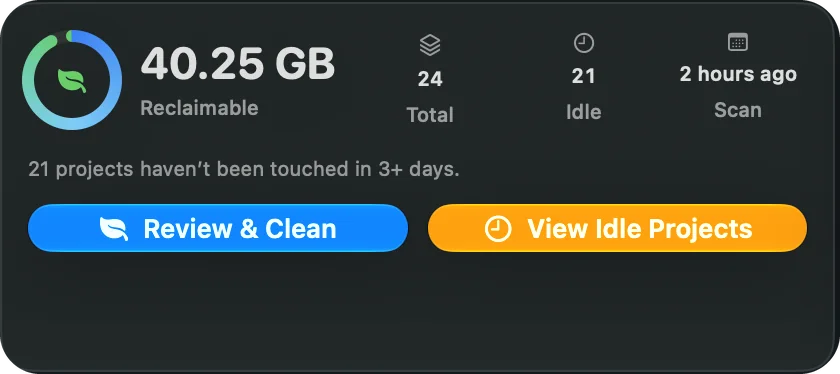
One-click clean
One Clean button moves Safe and Caution folders together for every selected project.
Disk cleaner built for developers
CleanMyDev finds node_modules, build folders, Pods and DerivedData across every project on your Mac — then moves only what rebuilds to Trash. Your code never leaves.
rm -rf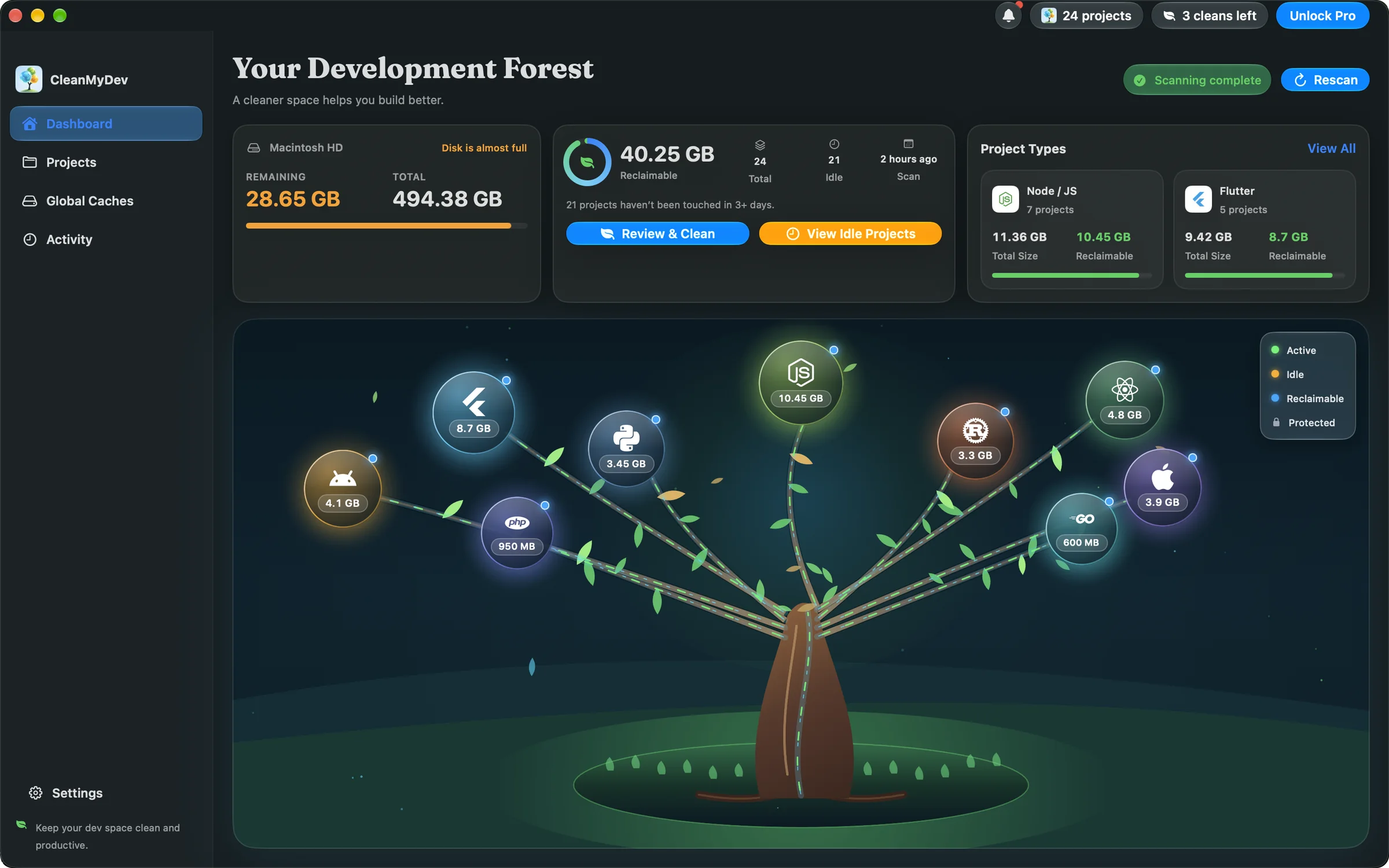
Knows the build output of every stack you use
 Node / JS
 Flutter
 React Native
 iOS / Xcode
 Android
 Rust
Rust Python
 PHP
PHP Go
GoThe problem
Dependencies and build output pile up in projects you have not opened for months. Finding them by hand means digging through dozens of folders — and one wrong rm -rf.
node_modulesbuild.dart_toolPodsDerivedDataapp/build.gradletarget.venv__pycache__vendor.nextdistHow it works
Pick the folders you work in. CleanMyDev sizes every project and its build output — scan as often as you like, free.
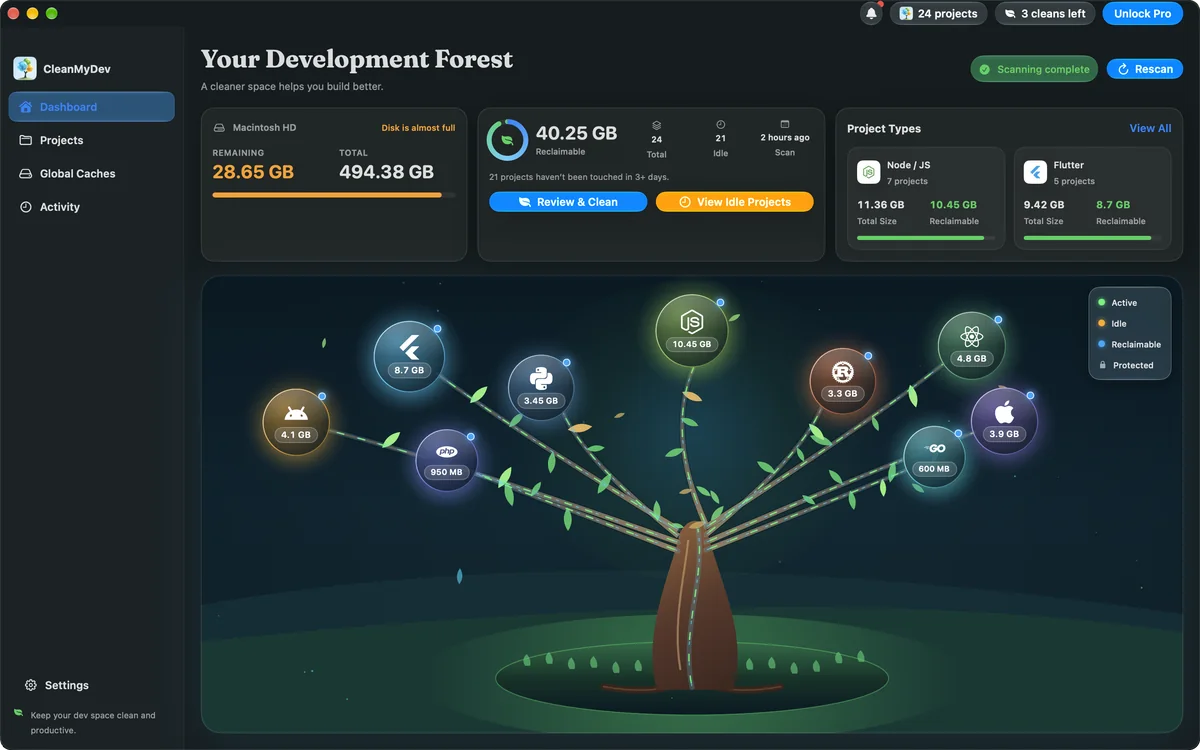
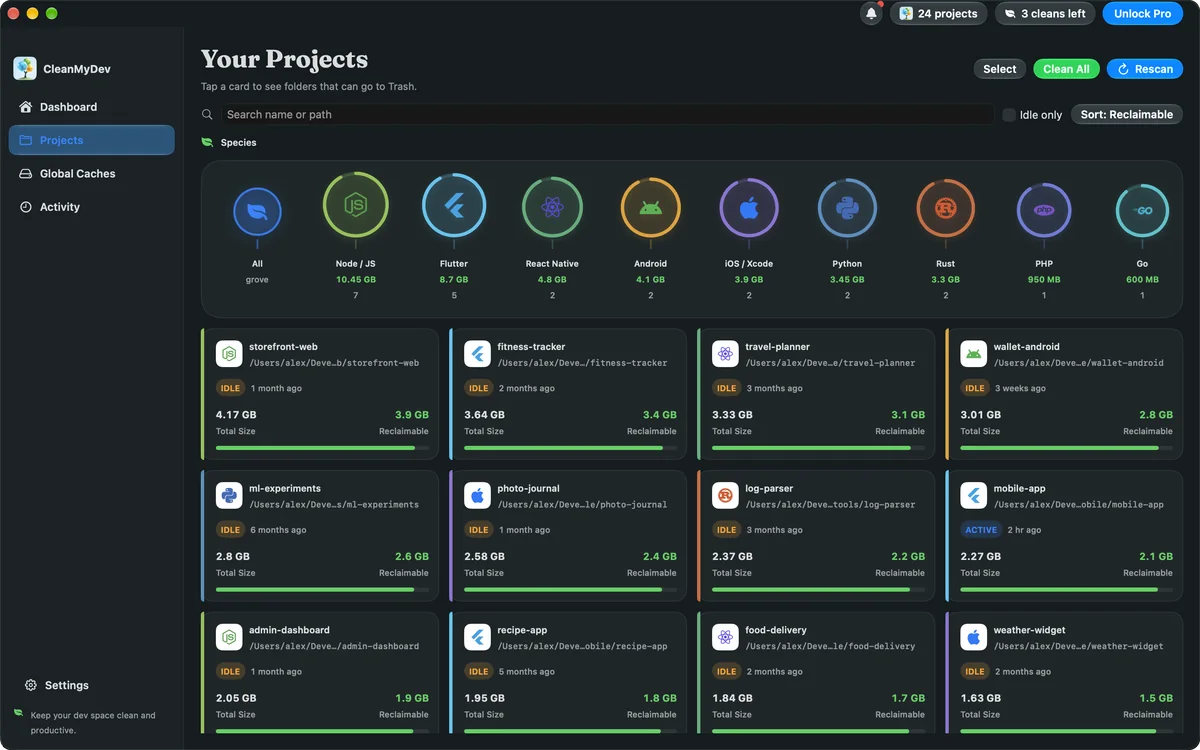
Projects sorted by reclaimable space, grouped by stack. Idle ones are flagged; active work and pinned projects are left alone.
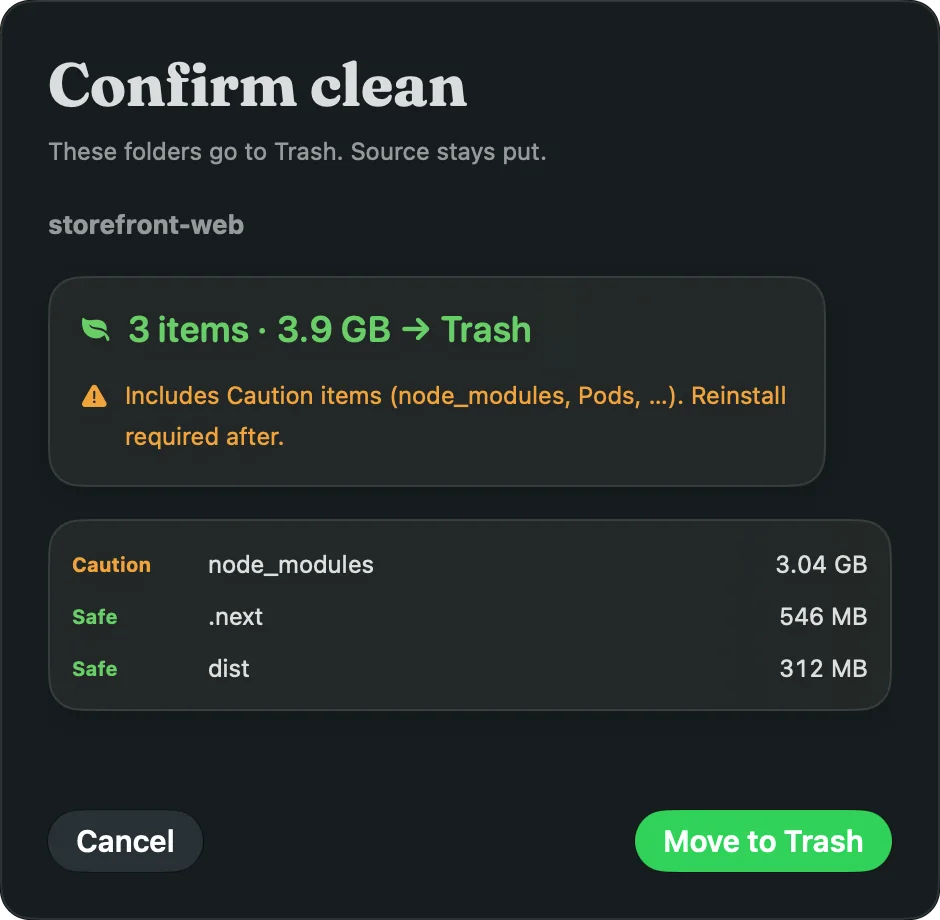
Every folder is listed with its size and safety class. You confirm; only rebuildable folders go to Trash.
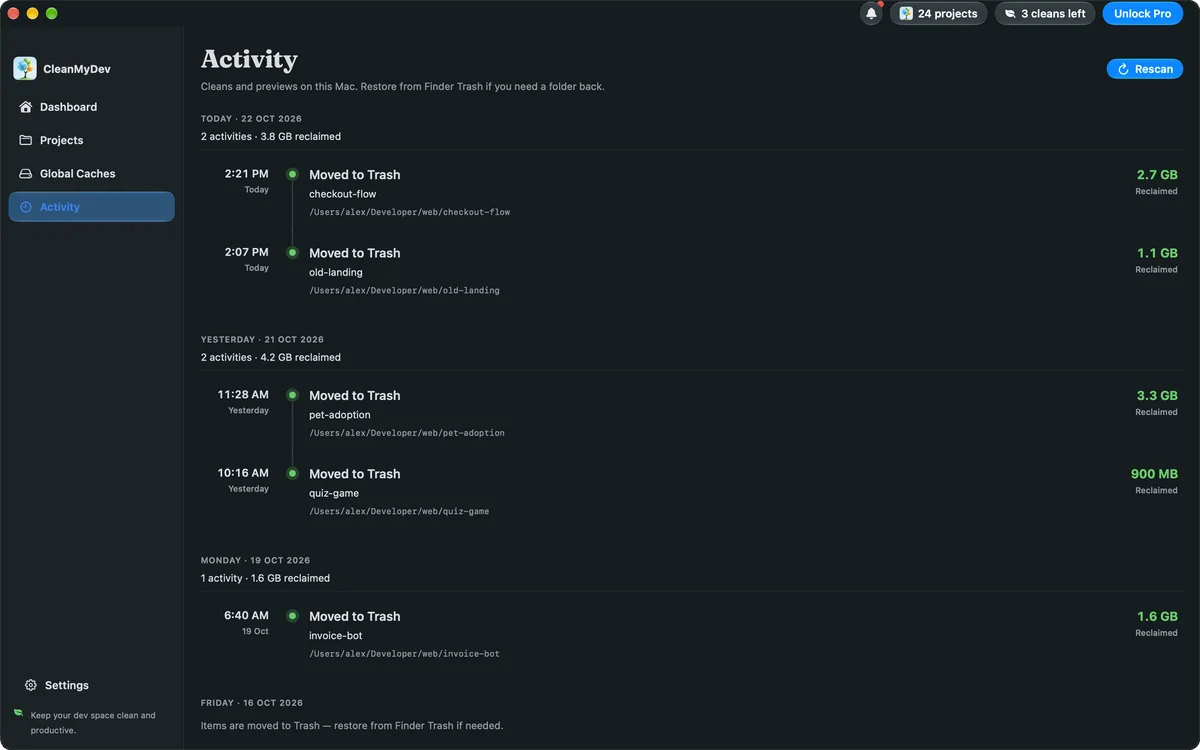
A timeline of every clean and the space it gave back. Sizes update without a full rescan.
Your development forest
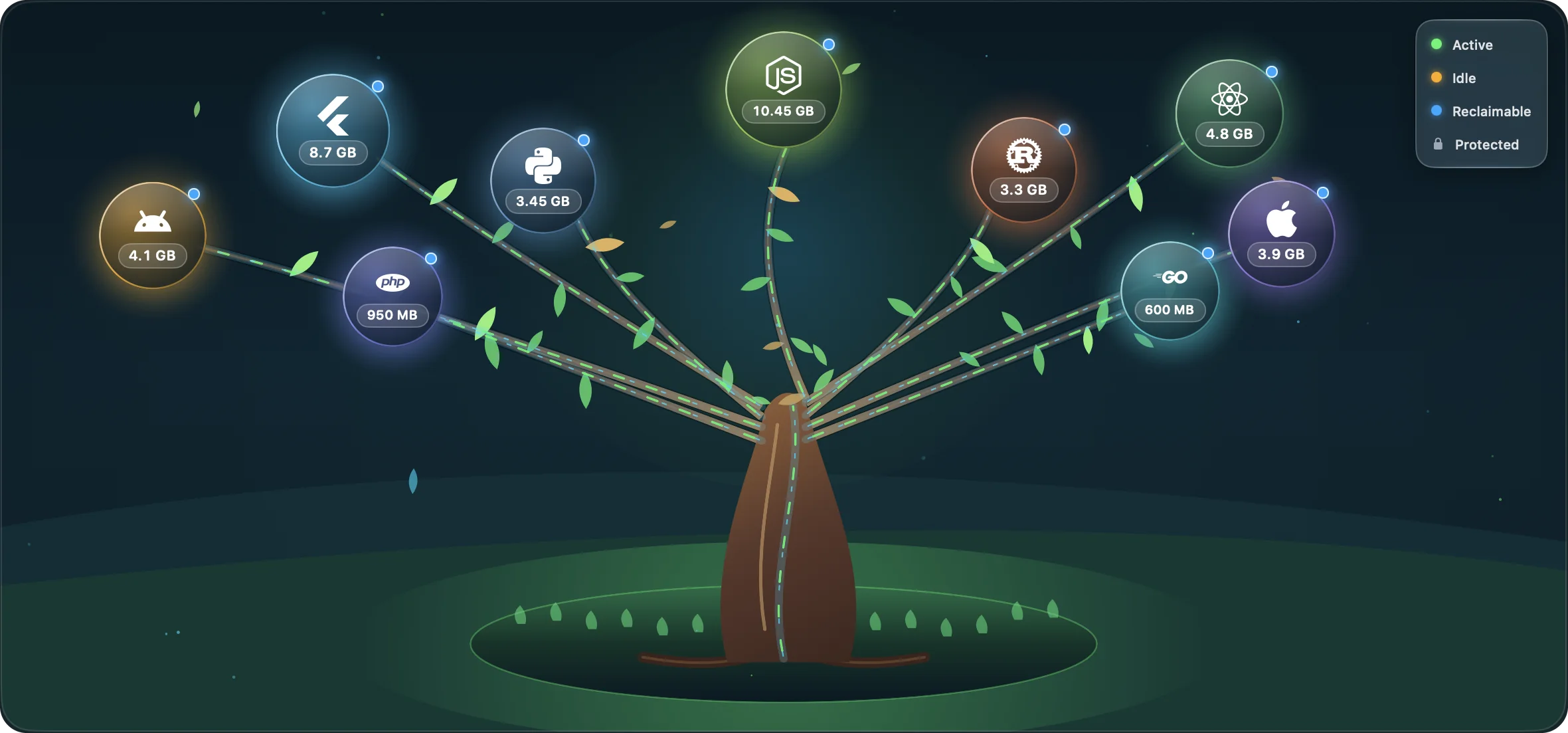
Every stack is a branch on one tree. The bigger the node, the more you can reclaim. Select one to jump straight to its projects.
Safe by design
Every folder is classed Safe, Caution, or Forbidden. You choose what leaves — and everything that does can be put back from Finder.
build, .dart_tool, DerivedData, target, .next.
node_modules, Pods, .venv. Flagged in amber before you confirm.
Source code, .env files, keystores, signing material and lockfiles.
Global caches
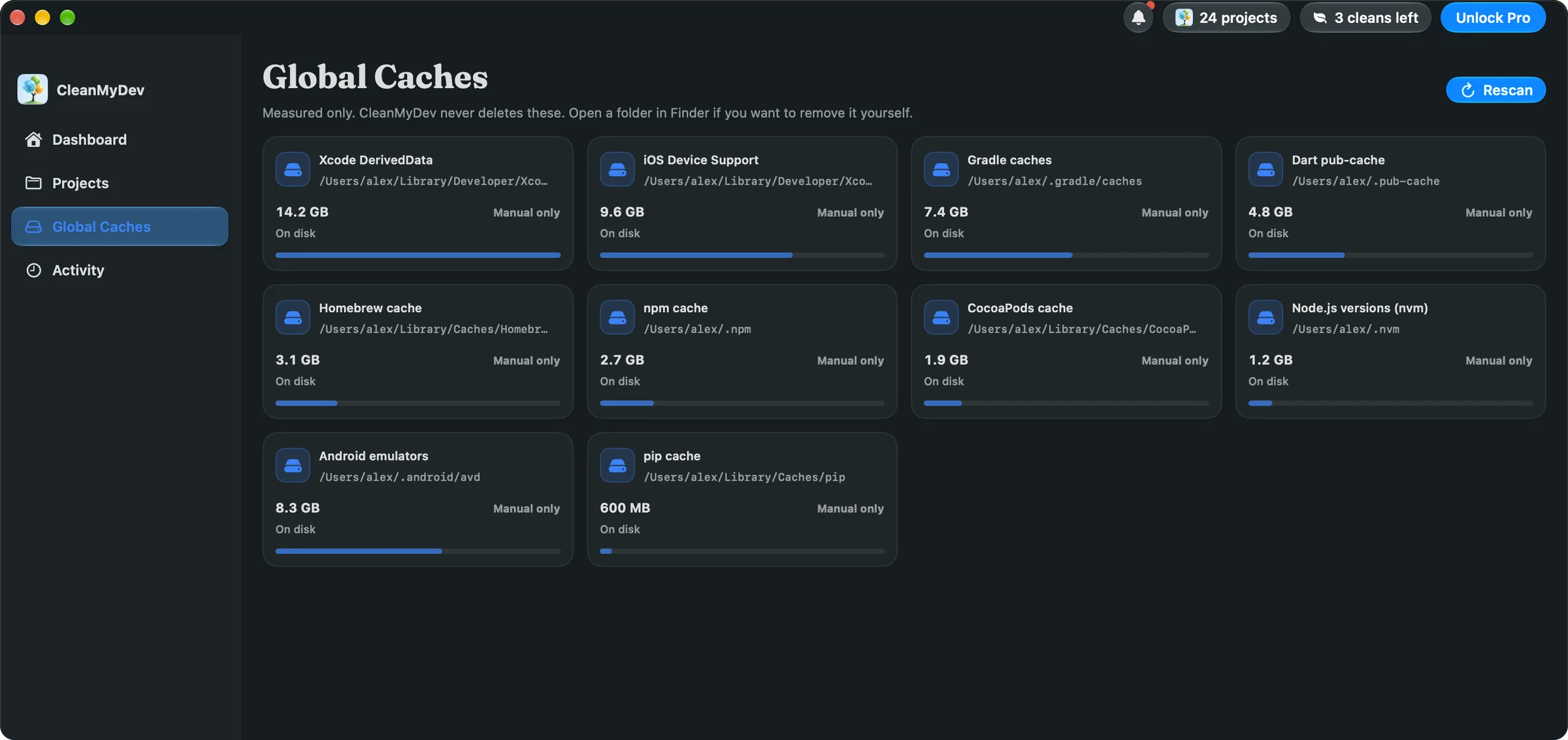
Xcode DerivedData, iOS device support, simulators, Gradle, Dart pub-cache, Homebrew, npm, CocoaPods and pip — measured in one place, never deleted for you.
Built into your day
One Clean button moves Safe and Caution folders together for every selected project.
Reclaimable space, idle projects and free disk — one click from the menu bar.
Idle projects move to Trash on their own, so build output never piles up again.
At the hour you choose, a short review of what went idle today.
Pricing
Unlimited scans on every plan. Prices in USD; tax is added at checkout where it applies.
Start here
3 days free
1 week free · Best value
Monthly includes 3 days free, then renews each month. Yearly includes 1 week free, then renews each year. Cancel before the trial ends and you are not charged. Lifetime is a one-time purchase. Sign in with Google; payments are handled by Creem.Privacy Policy · Terms of Use
FAQ
No. Source code, .env files, keystores, signing material and lockfiles are classed Forbidden — they are never listed for cleaning. Only rebuildable folders such as build or node_modules can be moved.
They move to the Trash. Open Trash, select the folders, and choose File → Put Back to restore them. Once Trash is emptied, rebuild or reinstall to recreate them.
No. Scans, project paths and clean history stay on your Mac. The free plan needs no account, and your folder tree is never sent anywhere. Pro uses Google sign-in, and payments are handled by Creem.
Unlimited scans, the storage tree, idle flags and 5 project cleans a day. Pro removes the daily cap and adds automatic clean, Open at Login scans and the end-of-day review.
Click Unlock Pro in CleanMyDev. Your browser opens this site; sign in with Google and pick a plan. After checkout, click Open CleanMyDev and Pro turns on. On another Mac, choose Sign In to Restore.
No. Projects with active tooling are skipped, and pinned projects stay put. Global caches like Homebrew or DerivedData are measured but never cleaned automatically.
No, and it is not affiliated with it. CleanMyDev is not a system junk sweeper — it only knows developer projects and their build output.
Windows is coming soon, with the same engine and the same forest.
Free to download. Unlimited scans. 5 cleans a day on the free plan — or go unlimited with Pro.
macOS 14 or later · Windows coming soon